One of the founding principles of archive science is that the original order of the records should be respected. If an organization were subsequently restructured a number of data records so that the original order has covered or lost, this would bring the risk of giving a misleading picture:
- How the content had accumulated
- How people worked
- Who had known what, as in relation to the work from which the records were created
One of the great strengths of digital (in contrast to analogue) records is that they can be presented or viewed in so many different types and orders. Does the principle of respect for the original order of the records in the digital age still apply? Will a digital repository probably have a structure that tends to act the best means of using retention rules, the assumption of disposition actions and the decision of evaluation decisions within the repository? We can use a simple thought experiment to show that the principle still applies.
Experiment to show the original order of the digital records
Imagine that you are a data records or an information manager, check a digital repository (think of a Legacy Shared Drive (FileShare), a Legacy SharePoint system or an older e -mail system). You can reorganize this repository to unlimited number of species, when pressing a button, with a few code lines or with a well -overdoor command.
Now go back a little and imagine that you are in the position of an end user who uses a shared drive, a Sharepoint website, an email account or in the course of your work. You could have ordered content within this specific jointly used drive, this specific SharePoint site or this specific email account. However, it is unlikely that you would have been postponed to content over the entire repository of jointly used drives, the entire SharePoint website repository or the entire repository of email accounts.
In corporate systems such as jointly used drives, SharePoint systems, email systems and the like, end users are partially accessed by the system. You can contribute to one or more containers within the system, but not to the others. You can access one or more containers in the system, but not to the rest.
This partitioning of the system is required in every all -purpose system that can be used by all employees of a company to carry out all or most of its business activities. It is necessary because in a large organization with a sophisticated division of labor it is usually not advisable that individuals can consider, edit and contribute content in all parts of the system.
The importance of containers in digital repositories
The order, which has the greatest influence on how the content accumulates in a digital system, is the order in which it is determined who can contribute there, and the order in which the standard access authorizations are defined for content. In order to find the original order, we must therefore find the groups on which the standard access authorizations within the system have been determined. This order also strongly influences how people behave in a system. People are likely to change their communication style and change the types of information they have to share depending on the access authorizations of the respective container to which they contribute.
Contents in digital company systems tend to be divided into containers in which a defined individual, team or working group can contribute:
- In the local world before the coming of Cloud suites, a team could not work in joint drives (fileshares) until someone had provided them with a folder at the highest level
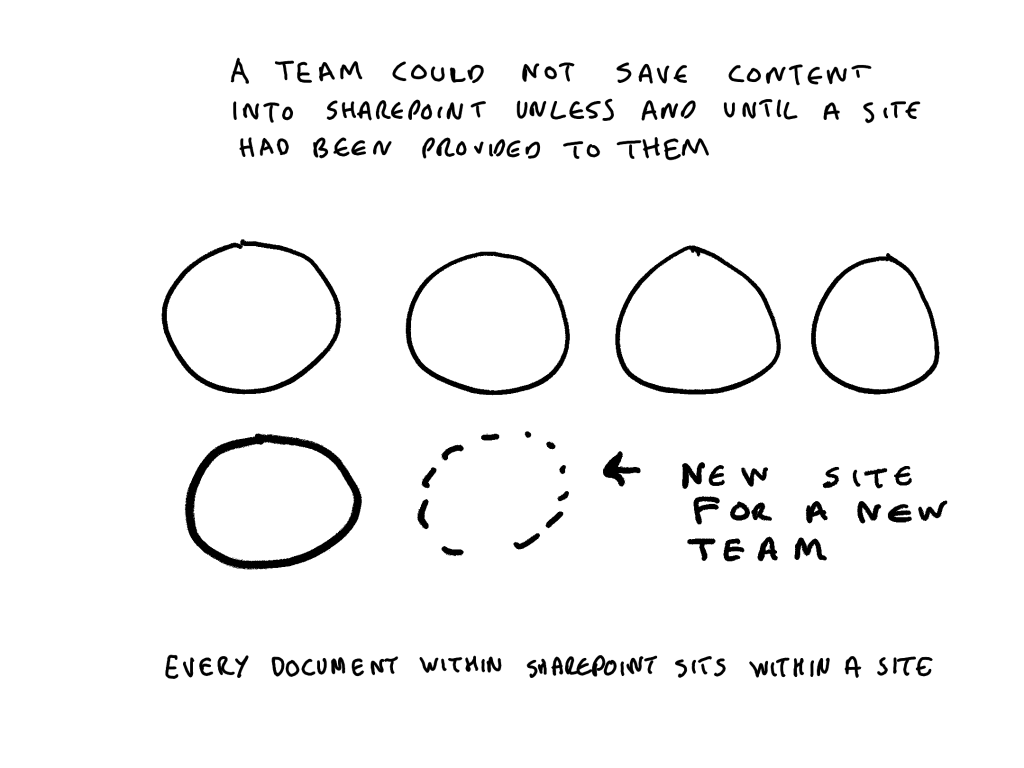
- A team cannot work in SharePoint if someone has presented you with a SharePoint website
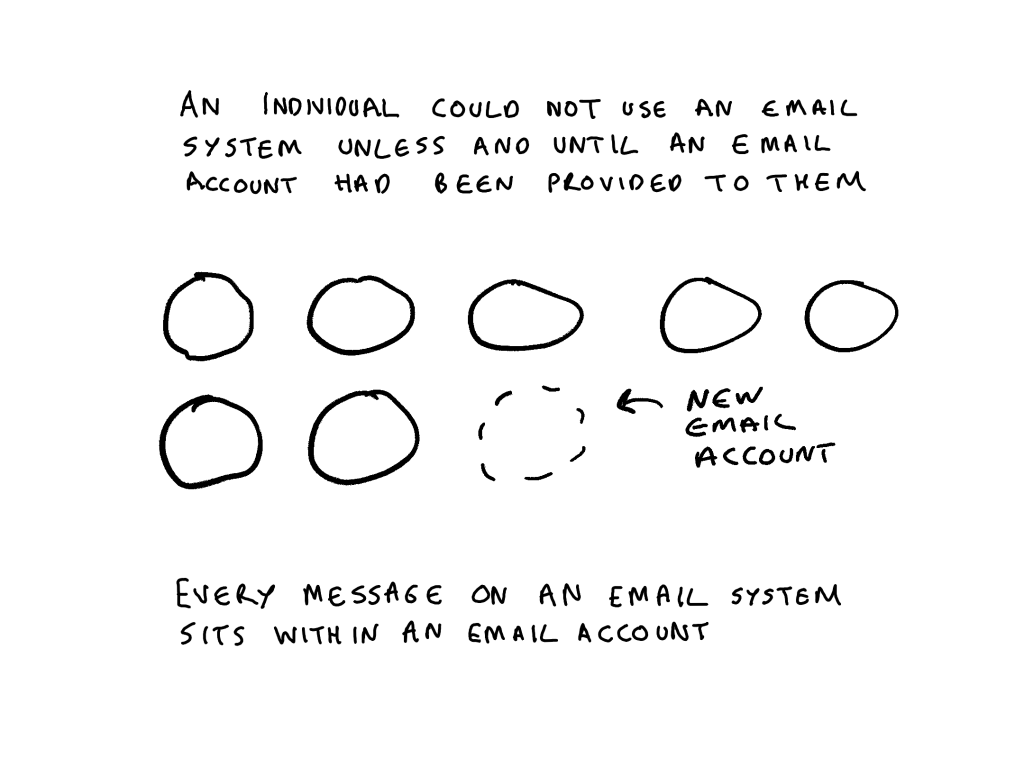
- One person cannot work in an e -mail system if someone has presented an e -mail account that they can use
Each article within a digital system for companies must be connected from the first moment when it is stored in a system via an access permit. Therefore, there must be a way to apply standard access authorizations to all content. Containers are the vehicle through which the standard permissions are used. Each article must therefore sit in a container.
In a SharePoint system there is every document on a website. In an e -mail system there is every message in an e -mail account. In a present common drive, each article is under a folder on the top level. In Microsoft 365, MS Teams uses SharePoint, OneDrive and Exchange as repositors. Every document, every contribution or message that has contributed to a team canal or a chat discussion is either saved on a Sharepoint site, an OneDrive website or an Exchange -E -Mail account.
This means that a data records/information manager has the opportunity to act on containers, it has the means of affecting all elements within the repository. This makes containers a very powerful method to control content in digital live repositories and scale actions and decisions about content in digital legacy repositories.
The intuition behind this post
This is the second in a number of articles that try to articulate intuitions about data records for data scientists. The intuition behind this post is as follows:
Digital systems for companies are systems that can be used by all or most employees to work on all or most of their activities. Examples include e -mail systems, collaboration systems, jointly used drives (fileshares) etc.
Contents in such systems tend to be divided into containers in which a defined person, a team or a working group can bring in content. All elements in the repository were contributed to one of these containers.
The previous contribution in this series is intuitions about the data set management for data scientists
(All views in this post are my own)